How to use IPTV on Android TV
Android TV and Google TV offer flexible app support, making them excellent for IPTV. Follow these steps to install a licensed player, connect your subscription, and organize channels.
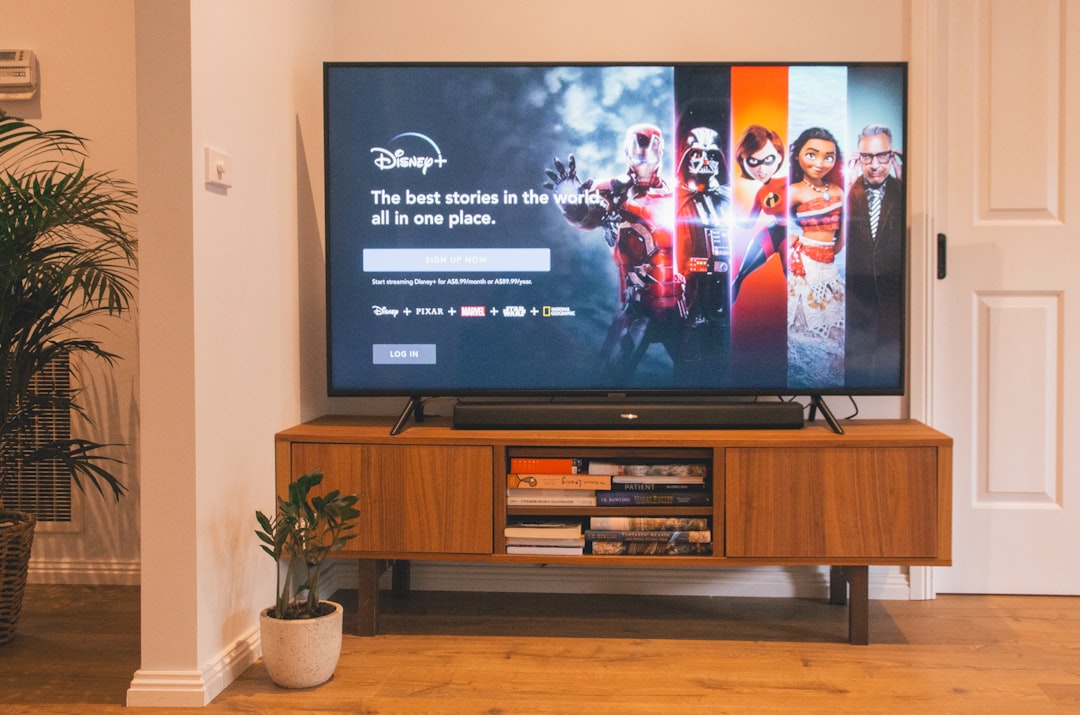
Choosing an IPTV app on Android TV
Use apps recommended by your provider or well-known players from Google Play that support M3U, Xtream Codes API, or official provider login.
Setup steps
- Open Google Play on your Android TV
- Install the official IPTV app
- Enter playlist URL, portal URL, or provider credentials
- Enable hardware decoding if available
- Pin favourite channels for quick access
Frequently asked questions
Android TV vs Google TV — any difference for IPTV?
Both support similar apps from Google Play. Setup steps are nearly identical.
Can I sideload IPTV apps?
Only install APKs from your provider's official website. Avoid unknown third-party builds.
Looking for a supported IPTV service?
Browse device-compatible plans and setup help on our main site.
View plans & pricing