Complete IPTV setup guide
Whether you use a Smart TV, Firestick, or mobile device, the setup flow is similar: pick a supported device, install a licensed app, enter credentials, and test playback. Follow this checklist for a smooth first-time setup.
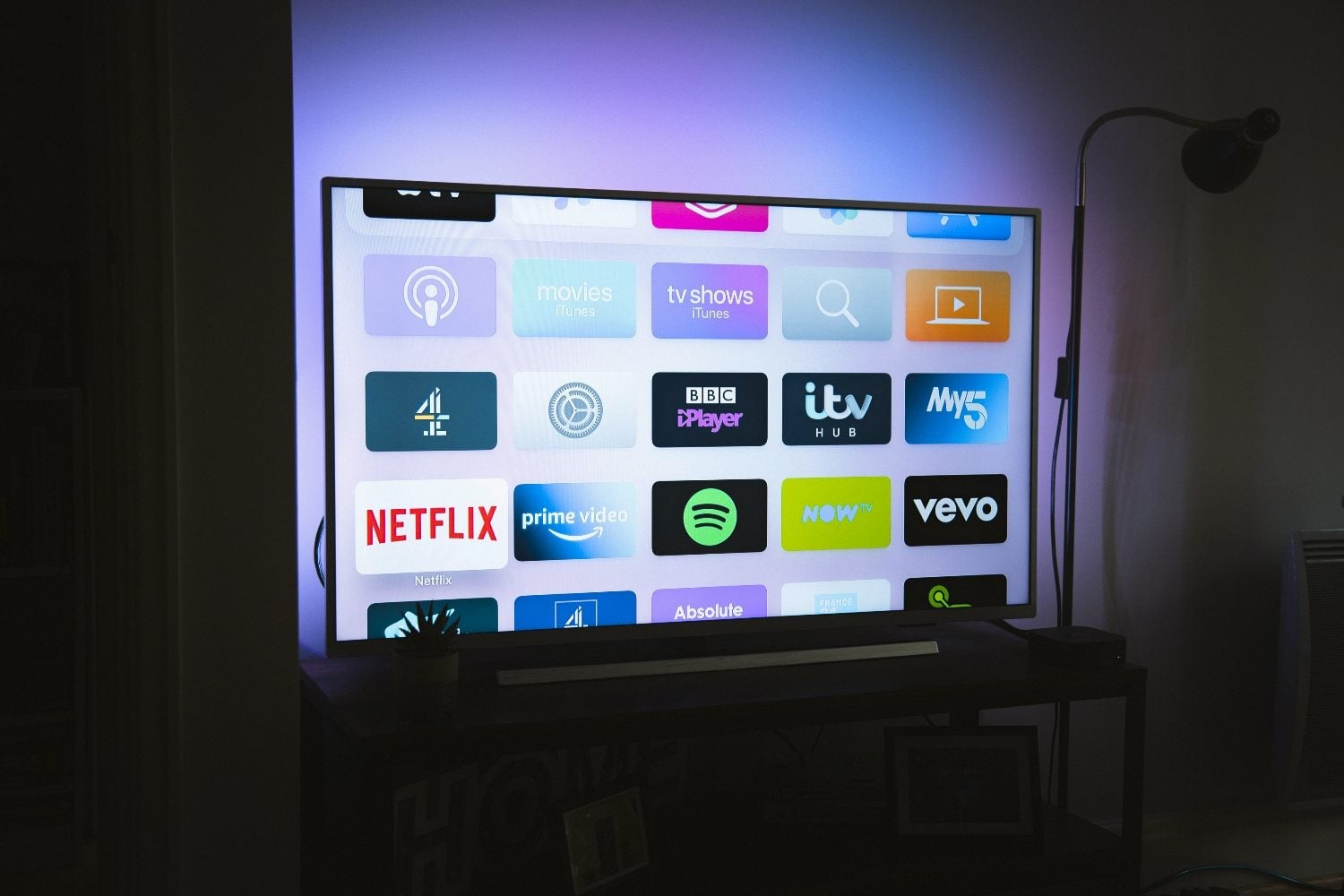
Setup checklist
- Confirm your device is supported by your provider
- Install the official app or approved player
- Enter M3U URL, portal, or login details
- Load EPG if available
- Test live channels and on-demand content
- Configure parental controls if needed
Device-specific guides
Jump to the guide that matches your hardware:
- Firestick — see our Firestick guide
- Samsung TV — see our Samsung TV guide
- LG TV — see our LG TV guide
- Android TV — see our Android TV guide
Your first week with IPTV
During the first week, test channels at different times of day, configure favourites, and set up EPG using our EPG guide.
Save support contact details and your order confirmation in case you need account recovery.
- Day 1: Install app and verify login
- Day 2: Configure EPG and favourites
- Day 3: Test on a second device if your plan allows
- Day 4: Optimize network using [Wi‑Fi vs ethernet guide](/iptv-wifi-ethernet-guide/)
- Day 5: Set parental controls if needed
Frequently asked questions
How long does setup take?
Most users complete setup in 10–20 minutes once credentials are available.
Looking for a supported IPTV service?
Browse device-compatible plans and setup help on our main site.
View plans & pricing