How to set up IPTV on iPhone and iPad
iOS devices support IPTV through App Store players and provider-branded apps. This guide covers installation, login, mobile network considerations, and how to avoid common playback issues on iPhone and iPad.
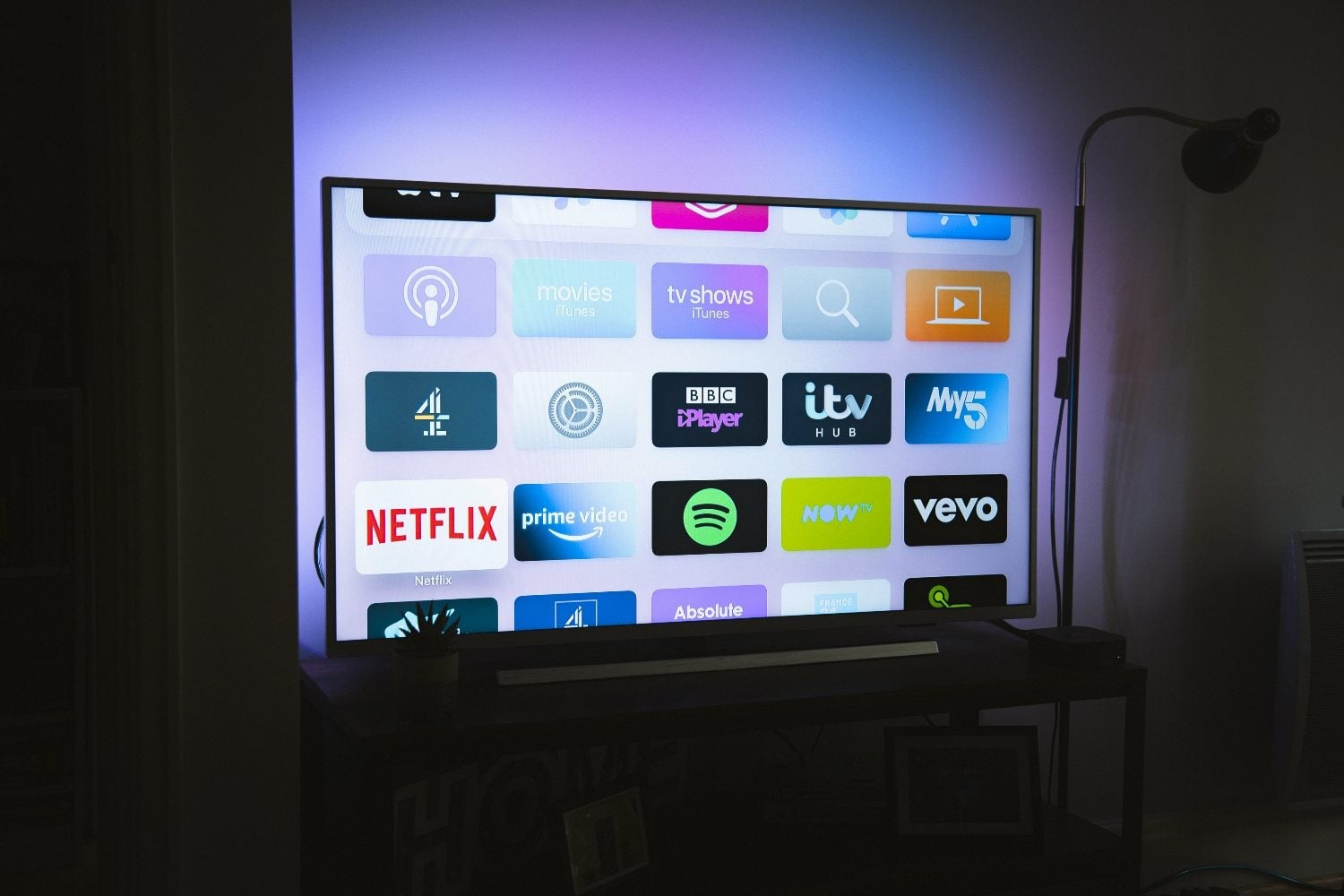
Choosing an IPTV app on iOS
Start with the app recommended by your licensed provider. If they offer an iOS app on the App Store, that is usually the most reliable option with full EPG and account features.
Third-party players may support M3U or Xtream login. Verify the app is actively maintained, has recent reviews, and explicitly supports the login method your provider documents.
Step-by-step iOS setup
- Install the official or recommended app from the App Store
- Open the app and choose login type (provider account, M3U URL, or Xtream)
- Paste credentials exactly as provided—avoid extra spaces
- Allow local network access if prompted for casting features
- Test one live channel and one on-demand title if included
Wi‑Fi vs mobile data
HD IPTV can use 3–5 GB per hour on mobile data. Use Wi‑Fi for regular viewing and lower quality settings when on cellular.
Enable Low Data Mode in iOS settings for the IPTV app if you must stream away from home.
iOS-specific tips
- Disable Background App Refresh for unused players
- Use Picture in Picture if your app supports it
- Keep iOS updated for codec improvements
- Cast to Apple TV using AirPlay when supported
Security and account safety on iOS
Only install IPTV apps from the App Store with clear developer identity. Avoid configuration profiles from unknown sources.
Enable Face ID or passcode on your device so credentials are not accessible if the phone is lost.
Using IPTV while traveling
Some providers restrict streams outside your home country. Check terms before traveling and download offline content only if your plan includes it legally.
Hotel Wi‑Fi may block streaming ports—use mobile hotspot sparingly or contact hotel support for allowed services.
Frequently asked questions
Can I use IPTV on iPhone without jailbreak?
Yes. Legitimate IPTV services work through standard App Store apps on unmodified iPhones and iPads.
Why does the app stop when I lock the screen?
Some free players pause on lock screen unless background audio/video is enabled. Check app settings or use PiP.
Looking for a supported IPTV service?
Browse device-compatible plans and setup help on our main site.
View plans & pricing