How to watch IPTV on Apple TV
Apple TV offers a polished tvOS experience for IPTV when your provider supports it. This guide walks through app installation, login, and optimizing playback on Apple TV 4K.
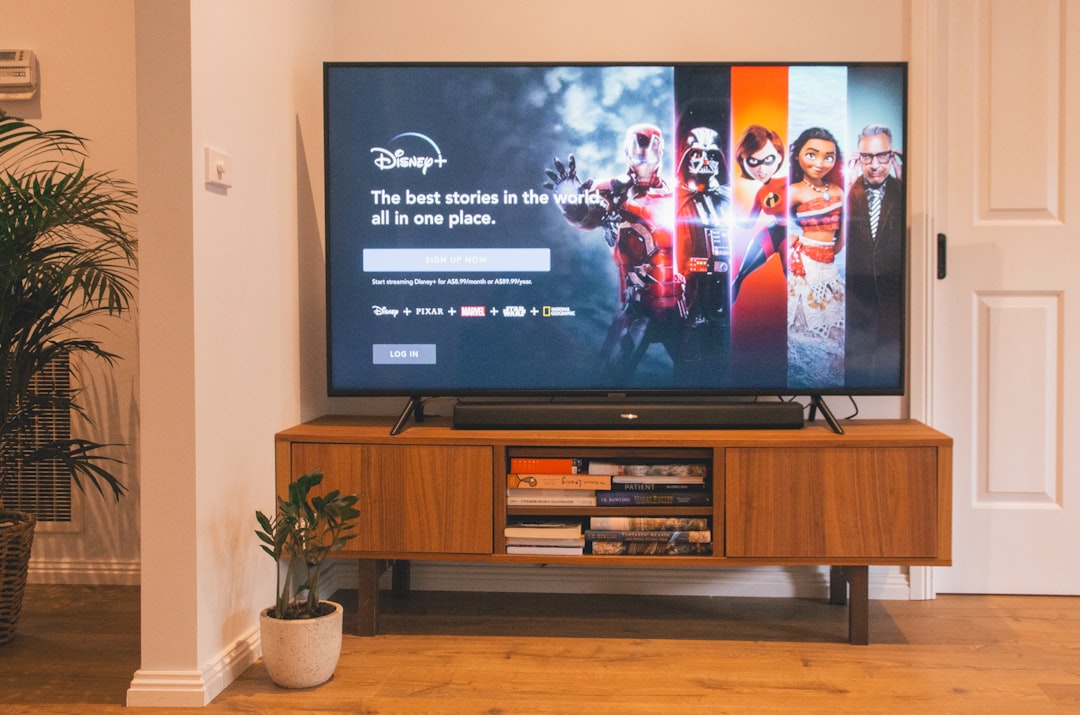
IPTV apps on tvOS
Search the App Store on Apple TV for your provider's official app. tvOS apps are often simpler than mobile versions but should support live TV and favourites.
Apple TV setup steps
- Install the IPTV app from the App Store
- Log in with provider credentials or scan a QR code if offered
- Enable automatic app updates in tvOS settings
- Organize favourites for frequently watched channels
- Test audio output format (Stereo vs Dolby) if you hear sync issues
Using iPhone as a companion
Some providers let you authenticate on iPhone or iPad and sync favourites to Apple TV. Check your account dashboard for multi-device options.
Frequently asked questions
Apple TV 4K vs HD for IPTV?
Both work well. Apple TV 4K is recommended for 4K streams and gigabit ethernet via compatible hubs.
Looking for a supported IPTV service?
Browse device-compatible plans and setup help on our main site.
View plans & pricing