IPTV setup guide for Smart TVs
Most modern Smart TVs can run IPTV through native apps or external devices. This overview covers common platforms, recommended setup paths, and how to choose the best option for your TV model.
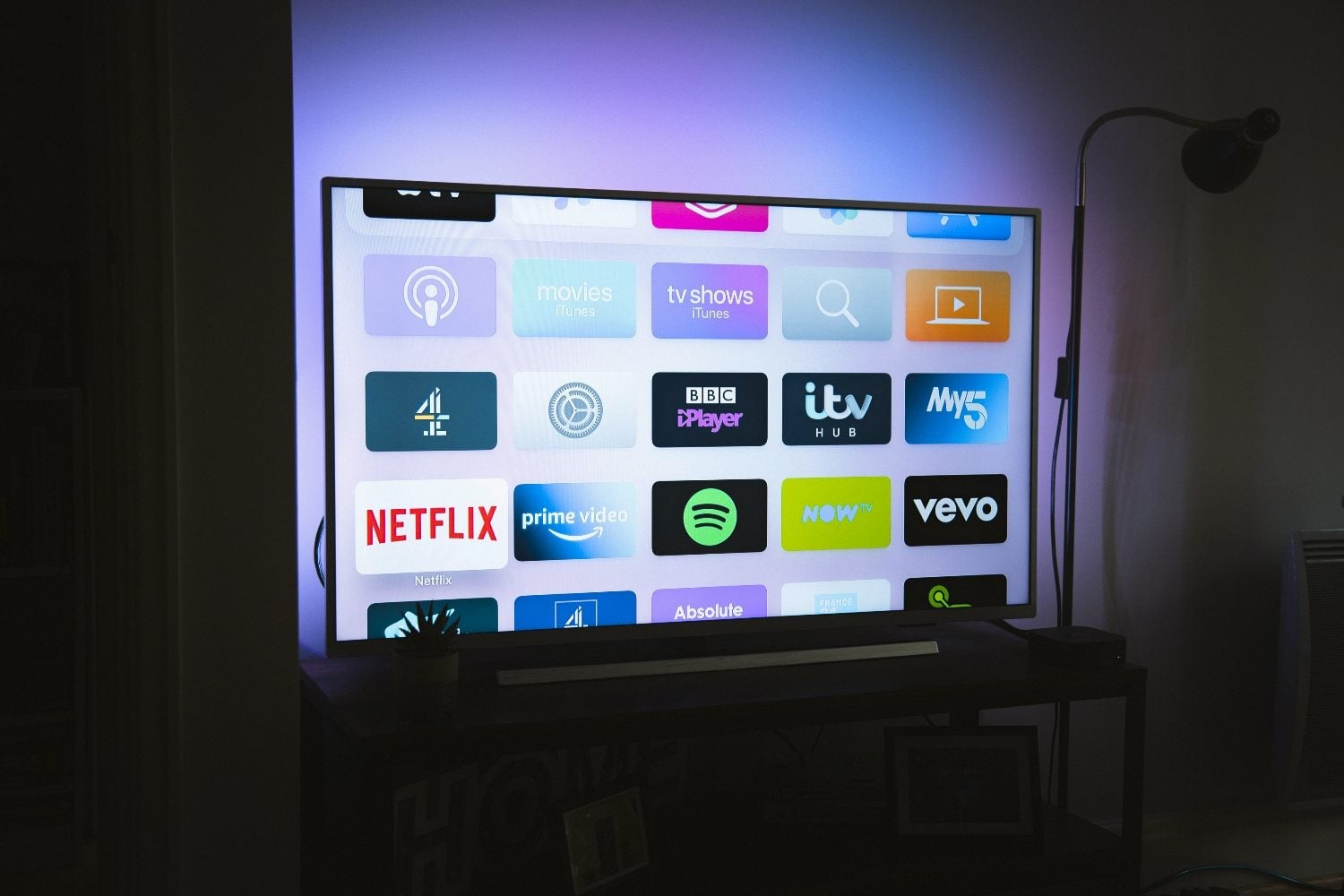
Smart TV platforms and compatibility
IPTV support varies by TV operating system. Check whether your provider offers a dedicated app for your platform before subscribing.
- Samsung Tizen — see our Samsung TV guide
- LG webOS — see our LG TV guide
- Android TV / Google TV — native IPTV apps available
- Other platforms — may require Firestick or Android TV box
General Smart TV setup steps
- Connect the TV to reliable internet (ethernet if possible)
- Install your provider's official app from the TV app store
- Sign in and run a short test stream
- Adjust picture mode and disable heavy post-processing for sports
Frequently asked questions
Can every Smart TV run IPTV?
Not all TVs support every IPTV app. Verify app availability for your TV OS or use a compatible streaming device.
Is Wi‑Fi enough for IPTV on Smart TV?
Wi‑Fi can work for HD streams, but ethernet or 5 GHz Wi‑Fi is recommended for 4K and live sports.
Looking for a supported IPTV service?
Browse device-compatible plans and setup help on our main site.
View plans & pricing