How to watch IPTV on Windows PC
Windows is useful for testing playlists and desktop viewing. Options include provider desktop apps, Microsoft Store players, VLC, and web players.
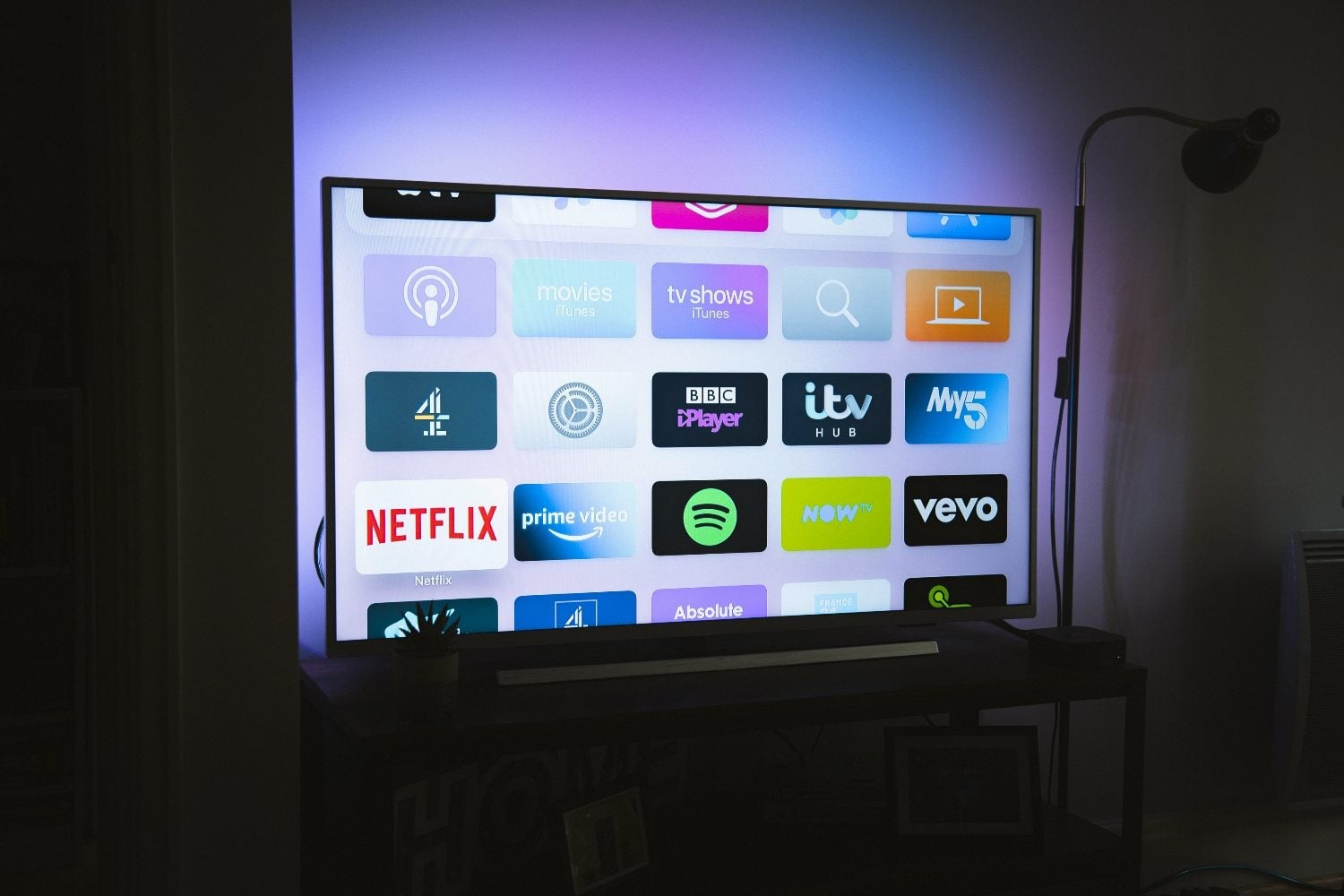
IPTV options on Windows
- Official Windows app from your provider (if available)
- Microsoft Store IPTV players with M3U/Xtream support
- VLC for quick playlist validation
- Web player in Chrome or Edge for portal-based services
PC setup steps
Install your chosen player, import credentials, and enable hardware acceleration in app settings for smoother HD playback.
Use wired ethernet on desktops; laptops on Wi‑Fi should prefer 5 GHz networks.
When PC viewing makes sense
PCs are ideal for verifying subscriptions before configuring living-room devices. For daily TV watching, dedicated streaming hardware usually offers better remotes and codec support.
Frequently asked questions
Is VLC enough for daily IPTV on PC?
VLC works for testing but lacks full EPG and remote-friendly navigation for everyday use.
Looking for a supported IPTV service?
Browse device-compatible plans and setup help on our main site.
View plans & pricing