IPTV with Chromecast and Google Cast
Chromecast with Google TV combines casting with a full Android TV interface. IPTV setup depends on whether your provider supports Google TV apps or mobile casting.
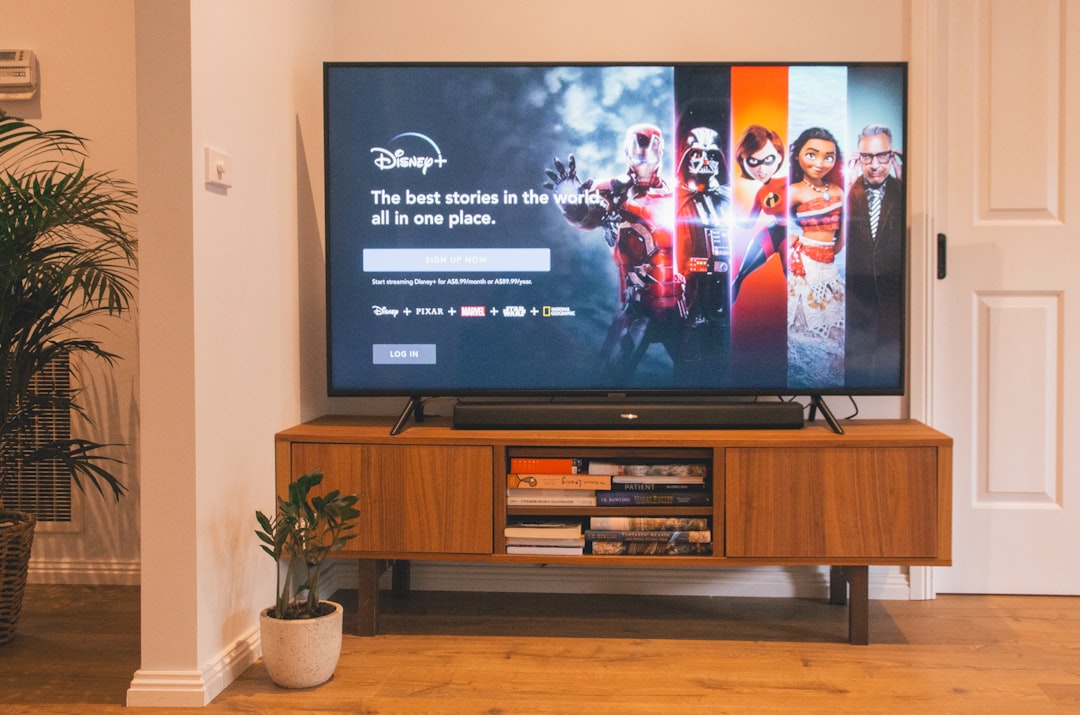
Chromecast with Google TV
Treat Chromecast with Google TV like any Android TV device—install the IPTV app from Google Play directly on the dongle.
Casting from phone or tablet
Some mobile IPTV apps support Cast to older Chromecast dongles. Quality depends on app implementation; native TV apps are usually smoother.
- Connect phone and Chromecast to the same Wi‑Fi network
- Open the IPTV app and tap the Cast icon if available
- Select your Chromecast device
- Use phone as remote or switch to TV app for long sessions
Frequently asked questions
Does every IPTV app support Cast?
No. Confirm Cast support in your provider's documentation or use a Google TV app on-device instead.
Looking for a supported IPTV service?
Browse device-compatible plans and setup help on our main site.
View plans & pricing